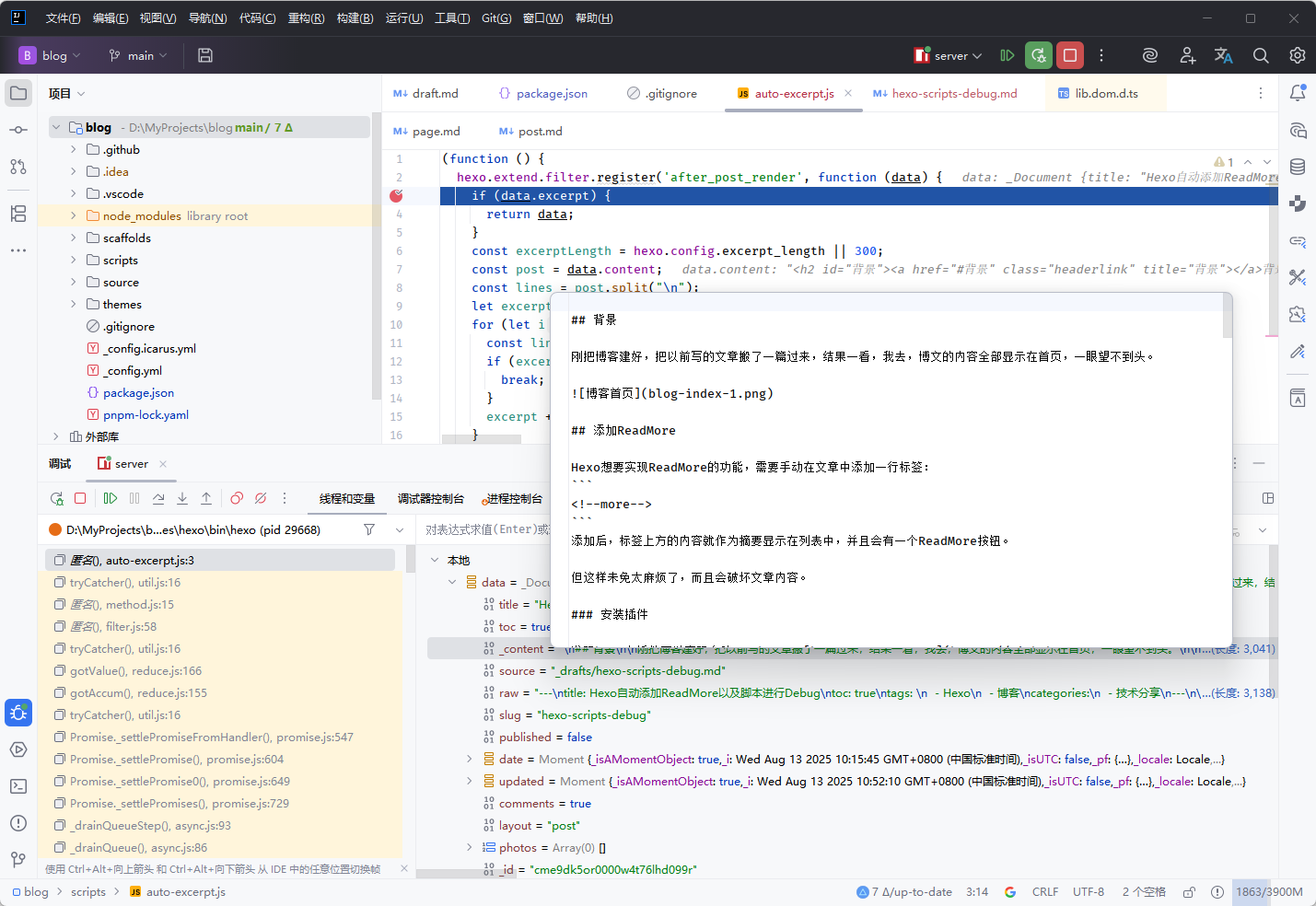
背景
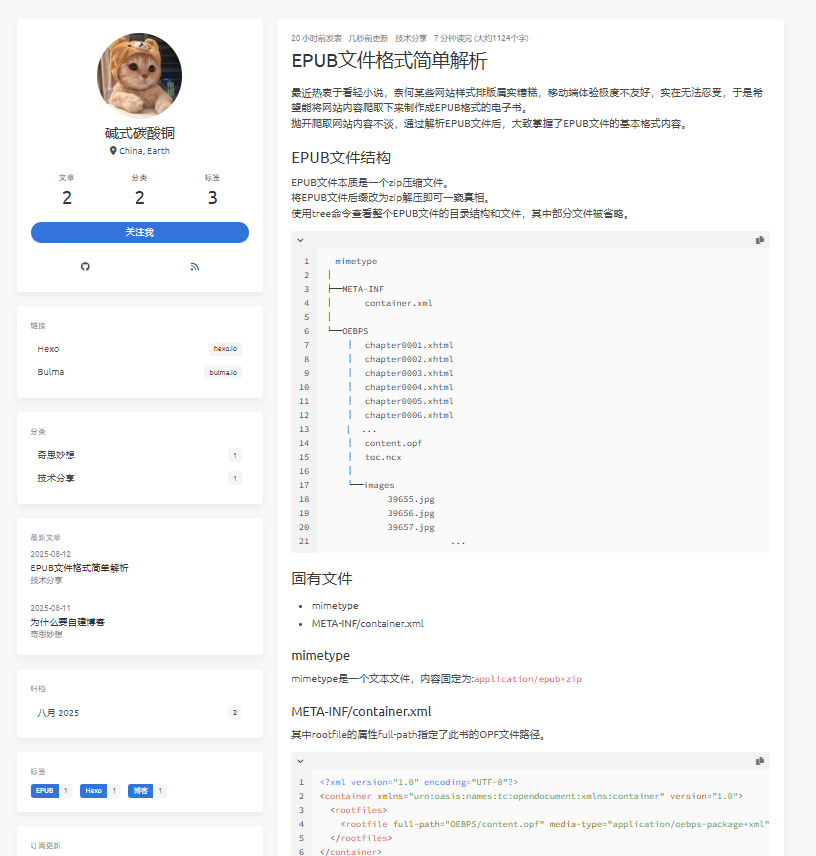
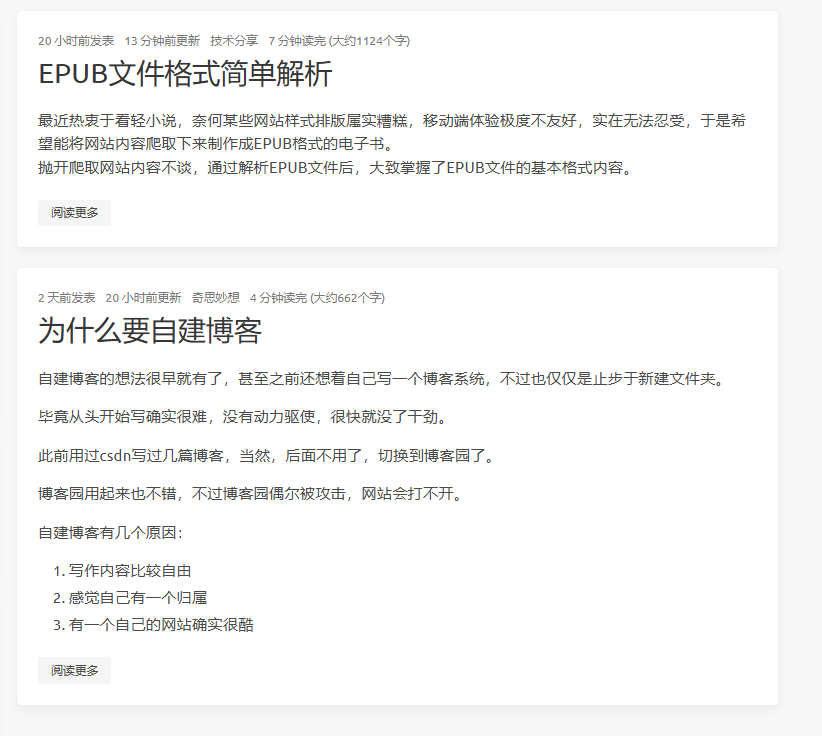
刚把博客建好,把以前写的文章搬了一篇过来,结果一看,我去,博文的内容全部显示在首页,一眼望不到头。
添加ReadMore
Hexo想要实现ReadMore的功能,需要手动在文章中添加一行标签:
添加后,标签上方的内容就作为摘要显示在列表中,并且会有一个ReadMore按钮。
但这样未免太麻烦了,而且会破坏文章内容。
安装插件
发现hexo有插件可以实现自动ReadMore:hexo-auto-excerpt
1
| npm install --save hexo-auto-excerpt
|
添加了以后,确实是自动将正文截断了,但是出现了一些连续的数字。
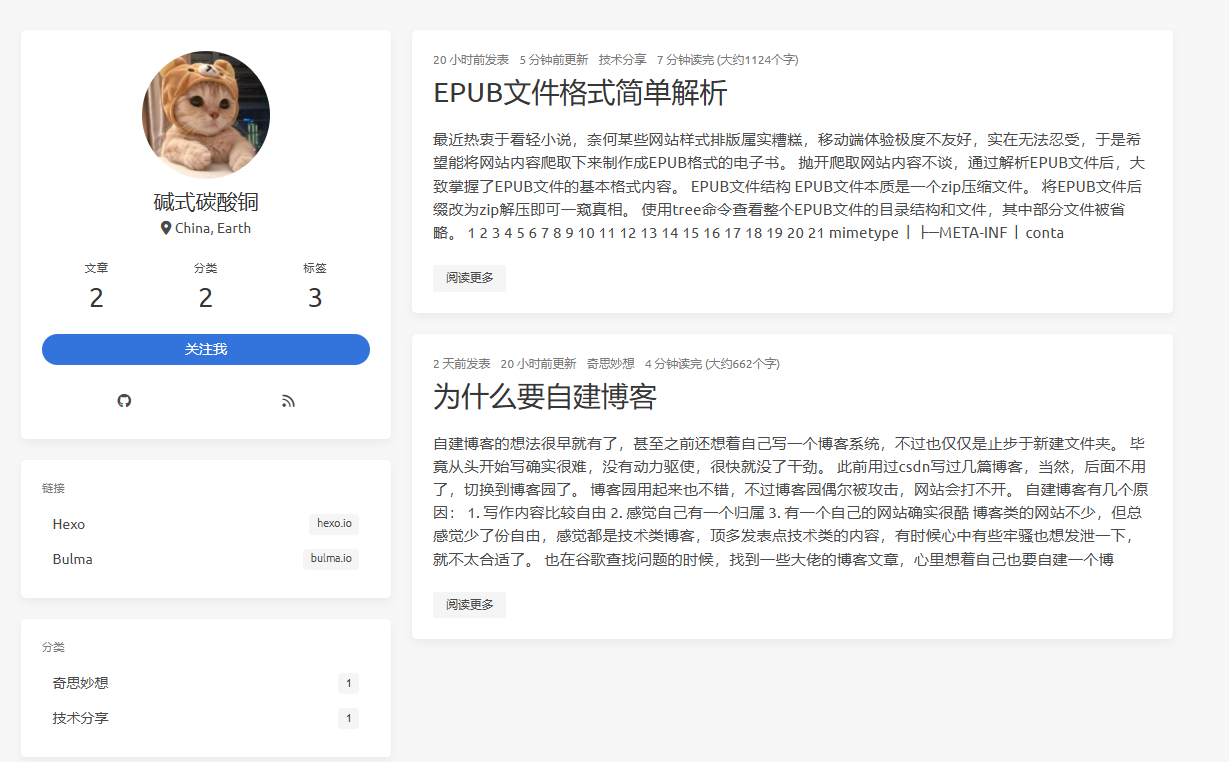
进入到正文一看,居然是代码的行数,这…
而且安装插件后,手动添加<!--more-->也不管用了。
魔改插件
既然插件无法满足需求,那就自己魔改一下插件。
插件代码很简单,只有20多行。
1
2
3
4
5
6
7
8
9
10
11
12
13
14
15
16
17
18
19
20
21
22
23
| const htmlToText = require('html-to-text');
(function(){
const sanitize = function (post) {
const content = htmlToText.fromString(
post,
{
ignoreImage: true,
ignoreHref: true,
wordwrap: false,
uppercaseHeadings: false
}
);
return content;
}
hexo.extend.filter.register('after_post_render', function (data) {
const excerptLength = hexo.config.excerpt_length || 300;
const post = sanitize(data.content);
const excerpt = post.substr(0, excerptLength);
data.excerpt = excerpt;
return data;
});
})();
|
虽然对hexo还不熟,不过看代码很容易看出来,代码截取了前300个字符,赋值给data.excerpt。
这data.excerpt想必就是摘要的内容了。
在博客项目的根目录下添加一个scripts目录,然后把这段代码拷贝进去。
再按自己的想法加以修改,顺便把插件删除掉,就能自动或手动添加ReadMore。
1
2
3
4
5
6
7
8
9
10
11
12
13
14
15
16
17
18
19
20
| (function () {
hexo.extend.filter.register('after_post_render', function (data) {
if (data.excerpt) {
return data;
}
const excerptLength = hexo.config.excerpt_length || 300;
const post = data.content;
const lines = post.split("\n");
let excerpt = lines[0];
for (let i = 1; i < lines.length; i++) {
const line = lines[i];
if (excerpt.length + line.length > excerptLength) {
break;
}
excerpt += line;
}
data.excerpt = excerpt;
return data;
});
})();
|
调试代码
代码虽然简单,但如果能调试,会更方便。
如果用IDEA,基本不需要任何设置直接就能下断点调试。
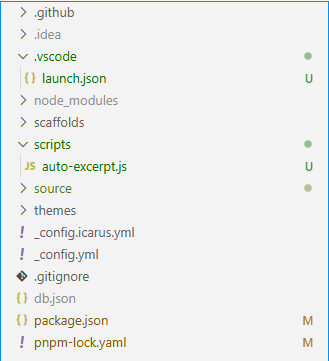
如果是VSCode,就需要手动配置下launch.json。
如果你是全局安装的hexo-cli,要么把program的路径改到你的全局hexo-cli的路径,要么在项目里安装hexo-cli。
1
2
3
4
5
6
7
8
9
10
11
12
13
14
15
16
17
18
19
20
21
22
23
24
25
26
27
28
29
30
31
32
33
34
| {
"version": "0.2.0",
"configurations": [
{
"type": "node",
"request": "launch",
"name": "HEXO server",
"program": "${workspaceFolder}/node_modules/hexo-cli/bin/hexo",
"args": [
"server",
"-p 4000"
],
"restart": true,
"runtimeExecutable": "node",
"runtimeArgs": [
"--inspect"
],
"stopOnEntry": true,
"sourceMaps": true,
"cwd": "${workspaceFolder}"
},
{
"type": "node",
"request": "launch",
"name": "HEXO generate",
"program": "${workspaceFolder}/node_modules/hexo-cli/bin/hexo",
"args": [
"generate"
],
"sourceMaps": true,
"cwd": "${workspaceFolder}"
}
]
}
|
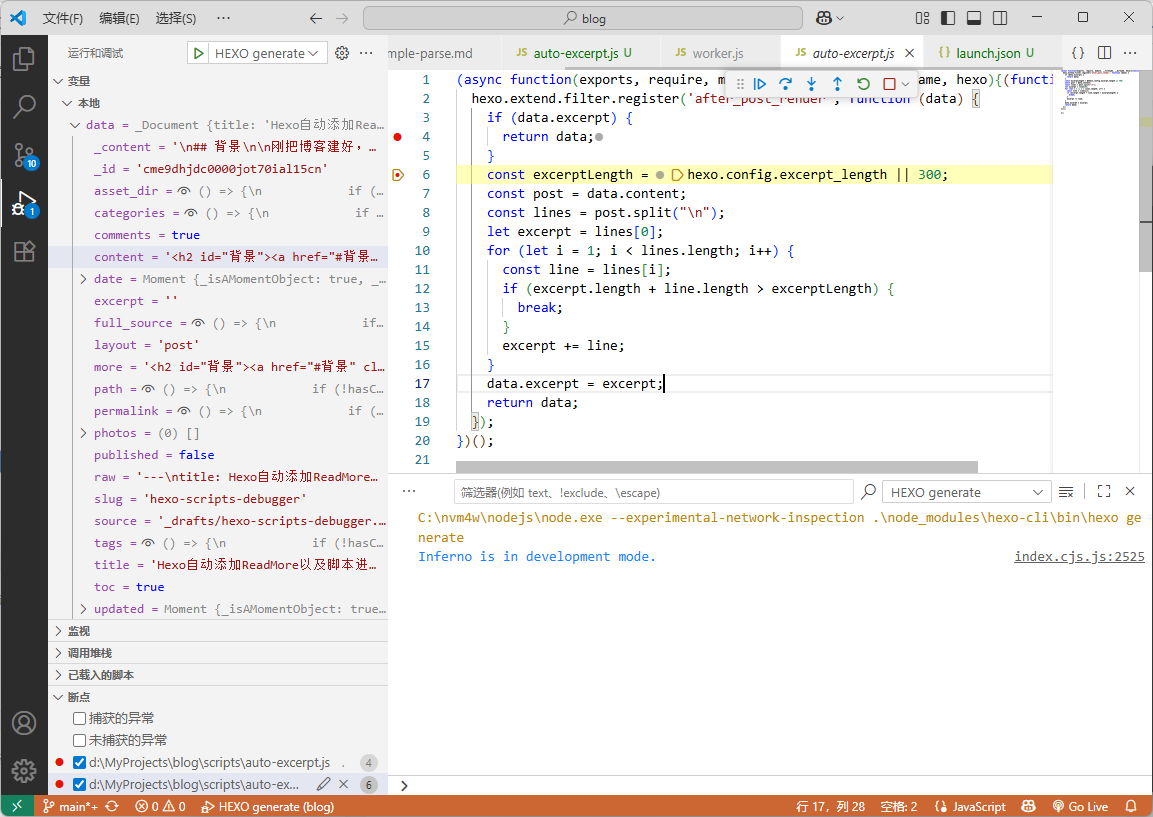
就是变量窗口太小了,而且有时候Debug会抽风,还是用IDEA来debug好一点。